Background video that never repeats.
29 games and simulations, seeded so every render is original. Split-screen your own video over one, add your music and text, and export for TikTok, Reels and Shorts, in clips you own outright.
Maze Solver
Three steps to a finished clip.
Roll a seed
Every seed is a different run. Reuse one to reproduce a render exactly.
Set the length
Ten seconds to three minutes, in vertical, square or landscape.
Record it
Encoding happens on your machine. Nothing is uploaded, nothing queues.
1 of 27 in 2D, live in your browser
Live, not a recording
Watch the whole catalogue.
Marbles scatter through a peg field and stack into a bell curve, then the floor drops and it refills.
- Ball Drop
- Brick Breaker
- Sand Fall
- Ring Breaker
- Slice
- Wash
- Rock Paper Scissors
- Color Sort
- Swarm
- Territory
- Merge
- Pendulum Wave
- Sort Bars
- Stack
- Grow
- Vortex Drain
- Press
- Mow
- Marble Race
- Escape
- Topple
- Pin Screen
- Maze Solver
- Chaos Pendulums
- Fireworks
- Galaxy Collision
- Murmuration
11 games, 11 simulations, 7 satisfying loops.
Games have a winner to root for. Simulations are physics and nature running on their own: galaxies colliding, a flock turning, fireworks over a city. Satisfying is the cleaning, cutting and pressing. Every still is a real frame, and resting on one starts it running.
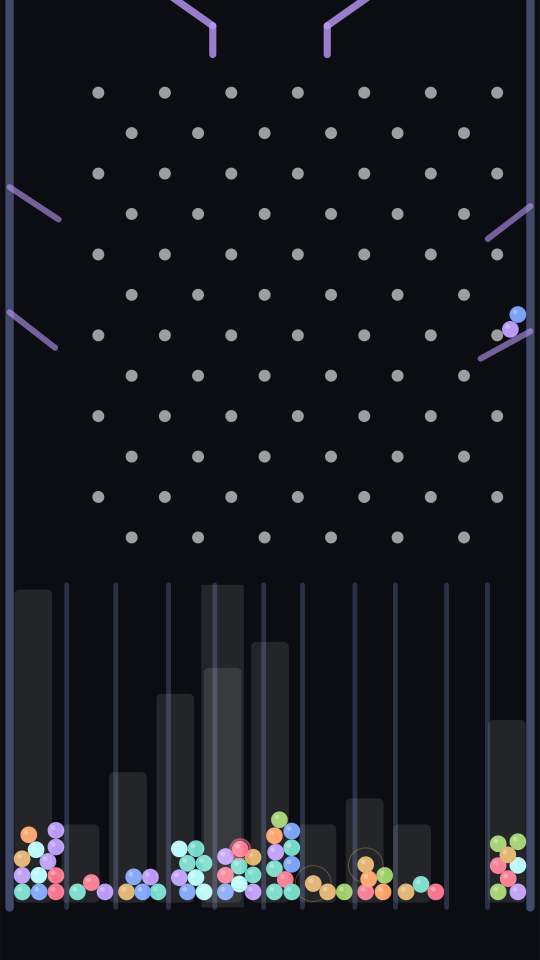
Ball Drop
FreeMarbles scatter through a peg field and stack into a bell curve, then the floor drops and it refills.
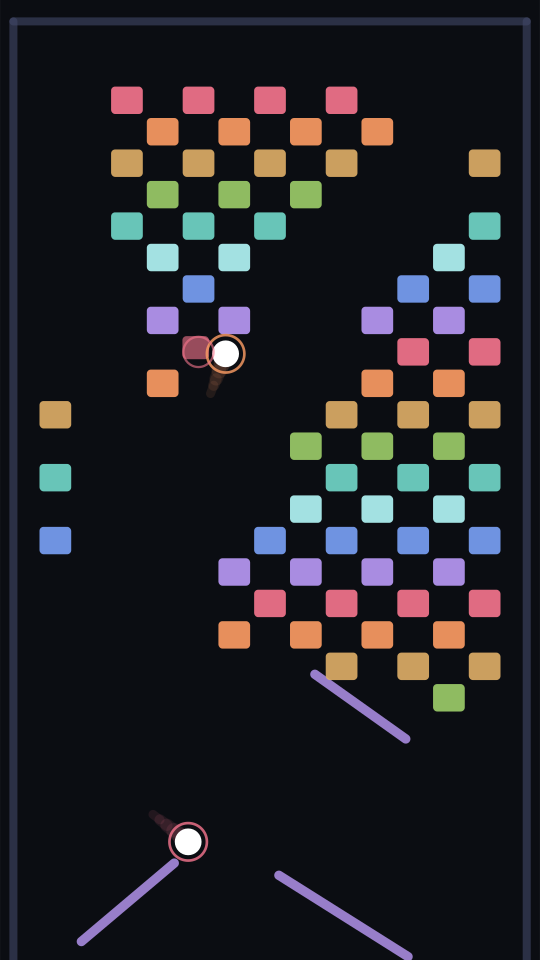
Brick Breaker
FreeBalls ricochet through a brick field, clearing it brick by brick before a new pattern goes up.
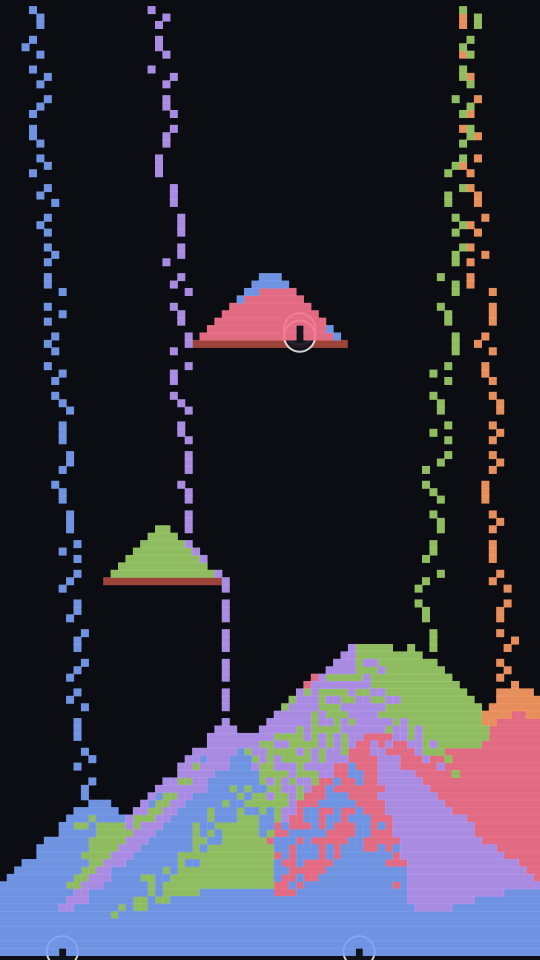
Sand Fall
FreeColoured sand pours into drifting banks, then the floor opens and the whole pile drains away.
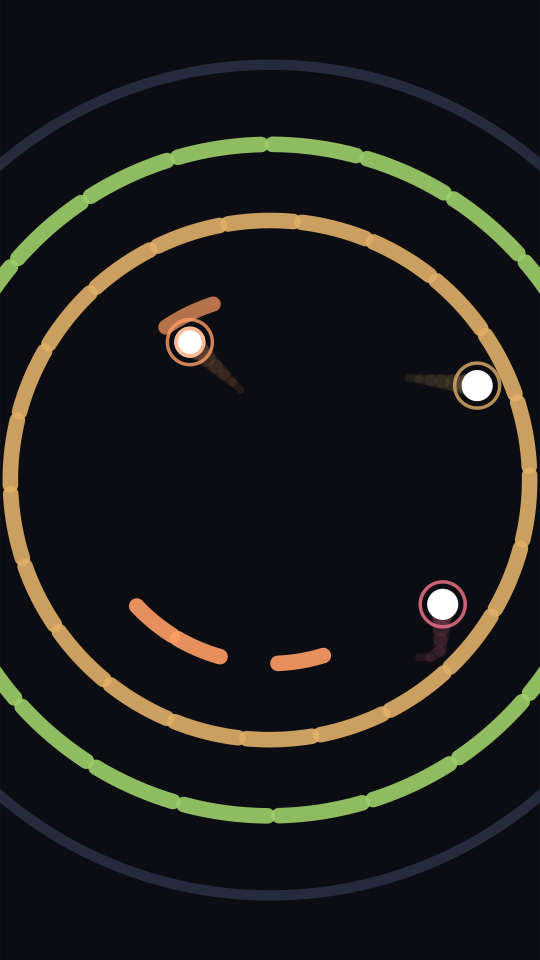
Ring Breaker
FreeBalls ricochet outward from the centre, shattering every ring segment they touch as the camera pulls back.
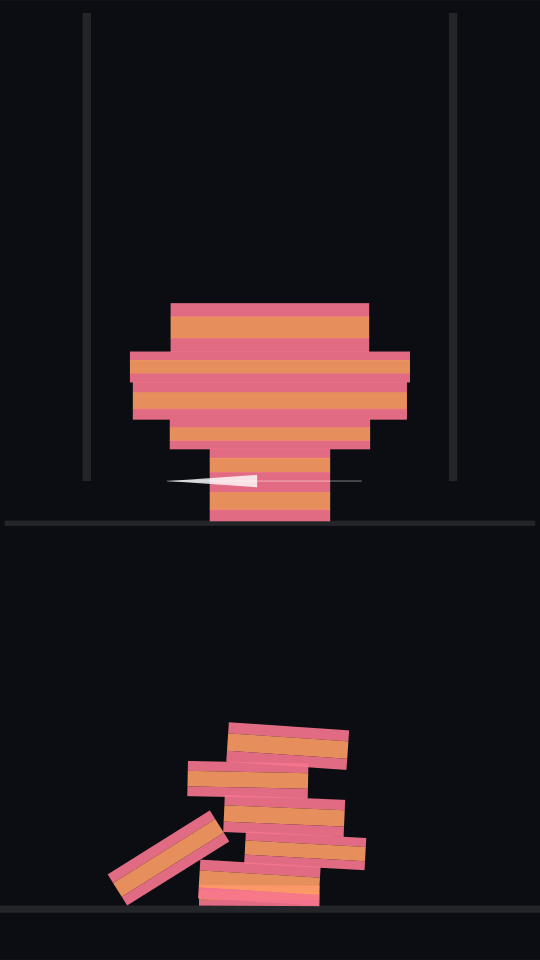
Slice
FreeObjects are lowered into a blade and fall away a disc at a time, each one a different width.
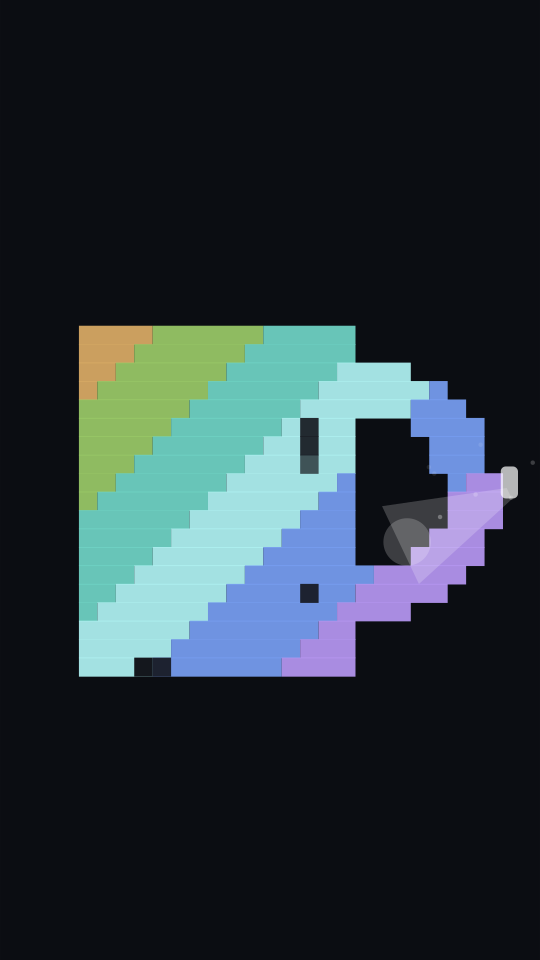
Wash
FreeA jet strips grime off a shirt, a plate, a car, uncovering the colour underneath.
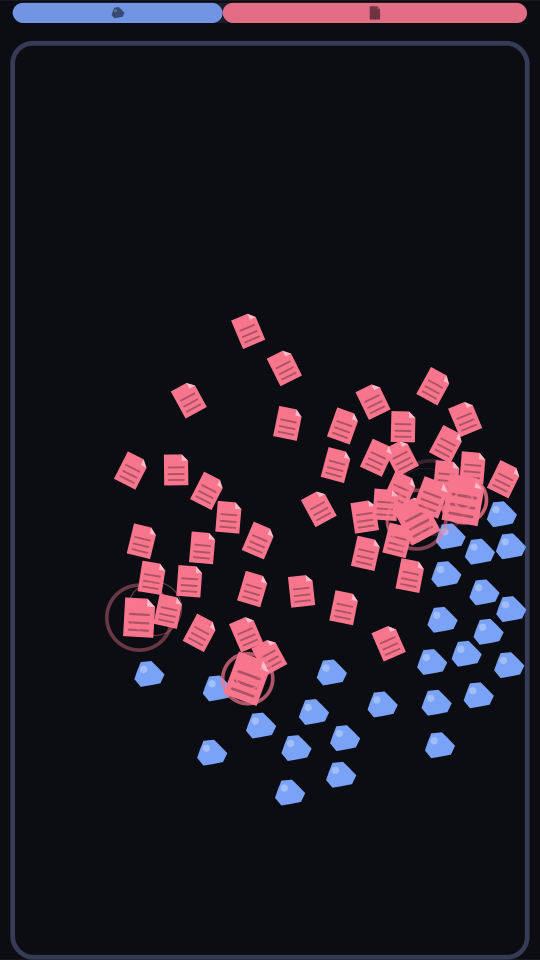
Rock Paper Scissors
FreeRocks, papers and scissors roam the arena and convert whatever they beat, until one side owns the screen.
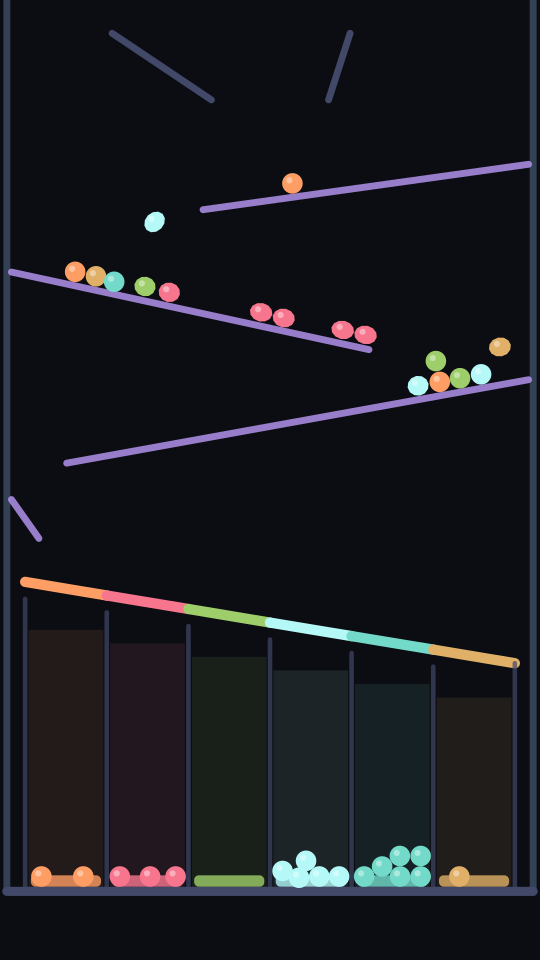
Color Sort
Each deck shutter is solid to every colour but its own, so marbles fall into matching bins.
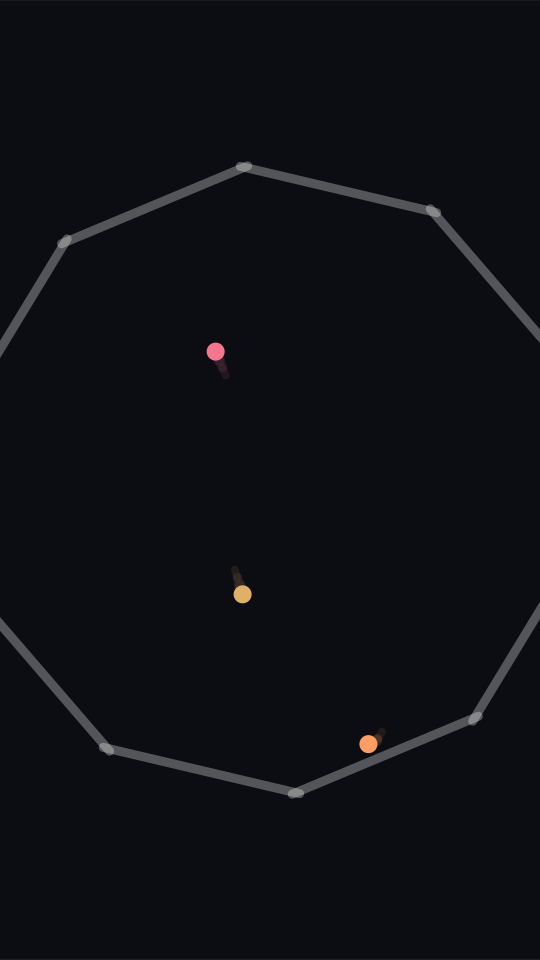
Swarm
One ball becomes two on every wall hit, filling the arena before it bursts and starts over.
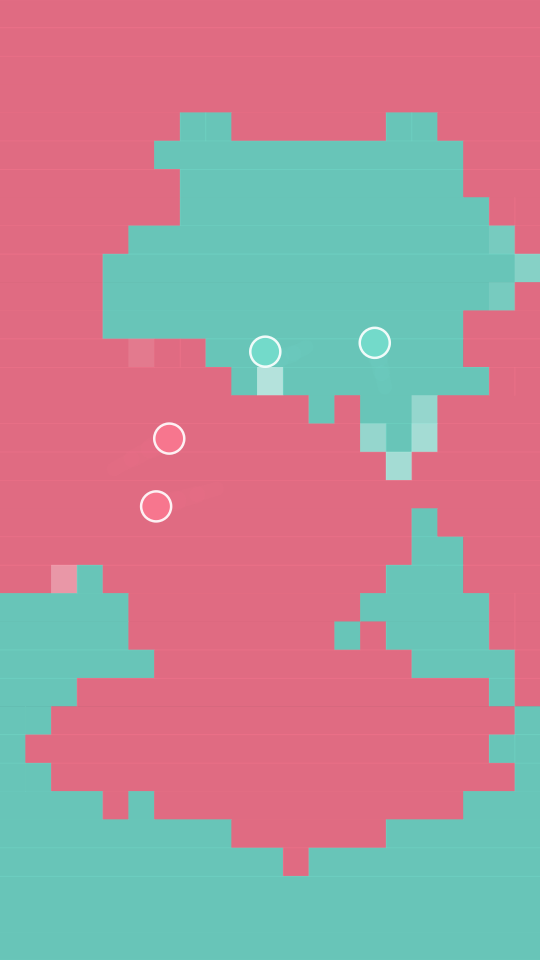
Territory
Two colours trade ground tile by tile, each runner flipping enemy territory as it bounces through it.
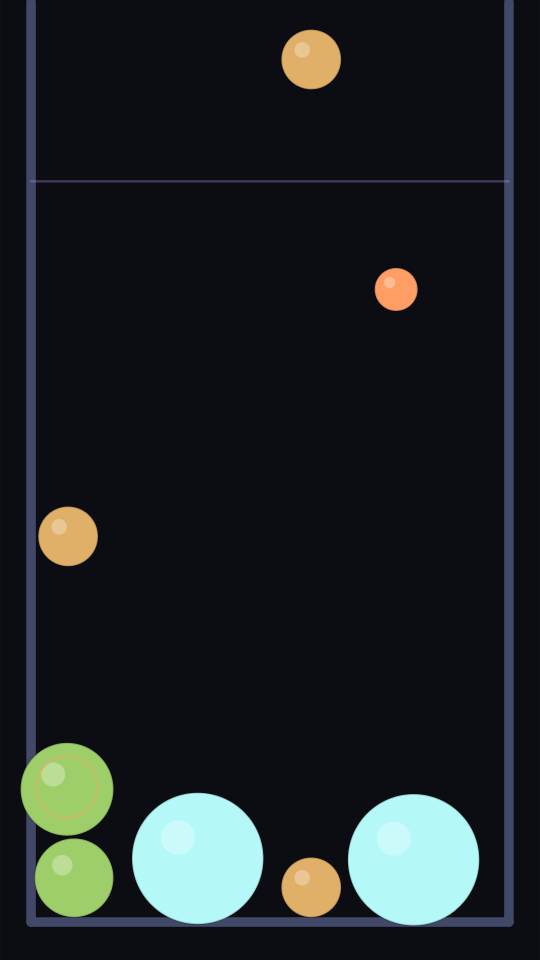
Merge
Orbs drop into a jar and two of a kind fuse into the next size up, chaining until it overflows.
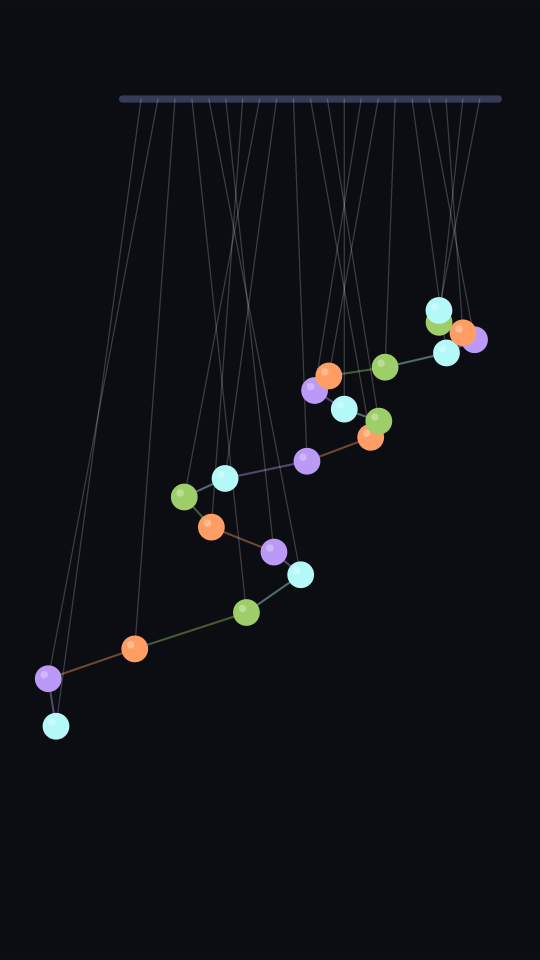
Pendulum Wave
Tuned pendulums drift out of phase into travelling waves, then snap back into one line.
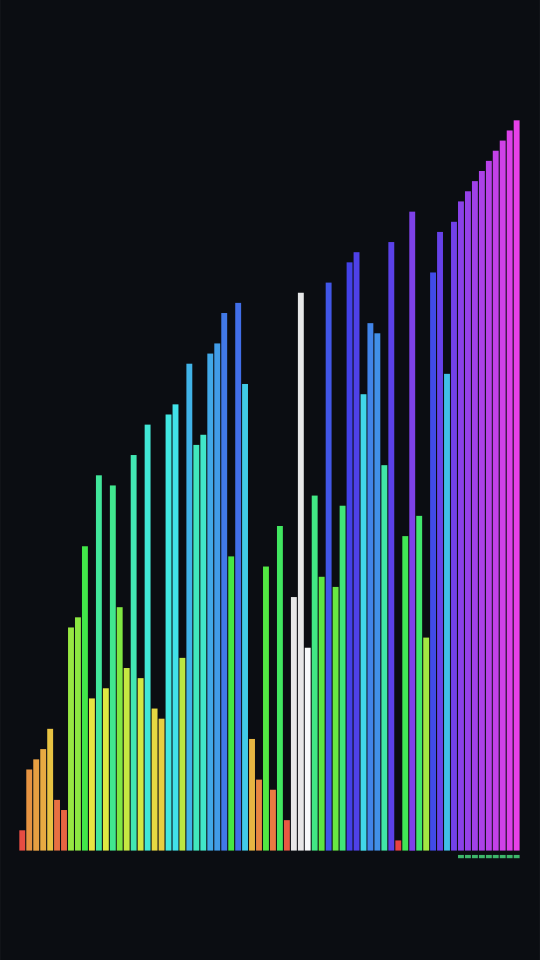
Sort Bars
A shuffled spectrum sorted bar by bar, resolving into a clean rainbow before it reshuffles.
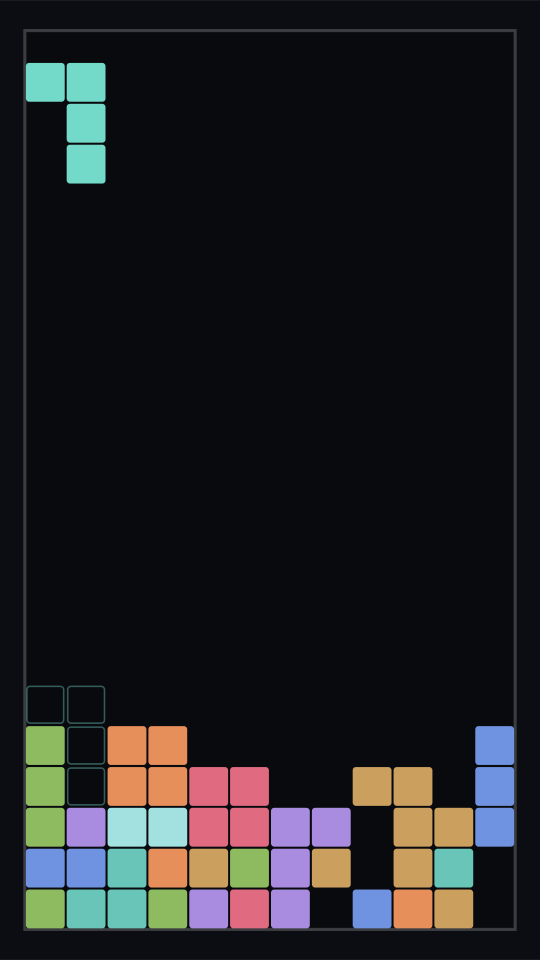
Stack
Blocks place themselves into the flattest fit, clearing rows in a run that keeps itself alive.
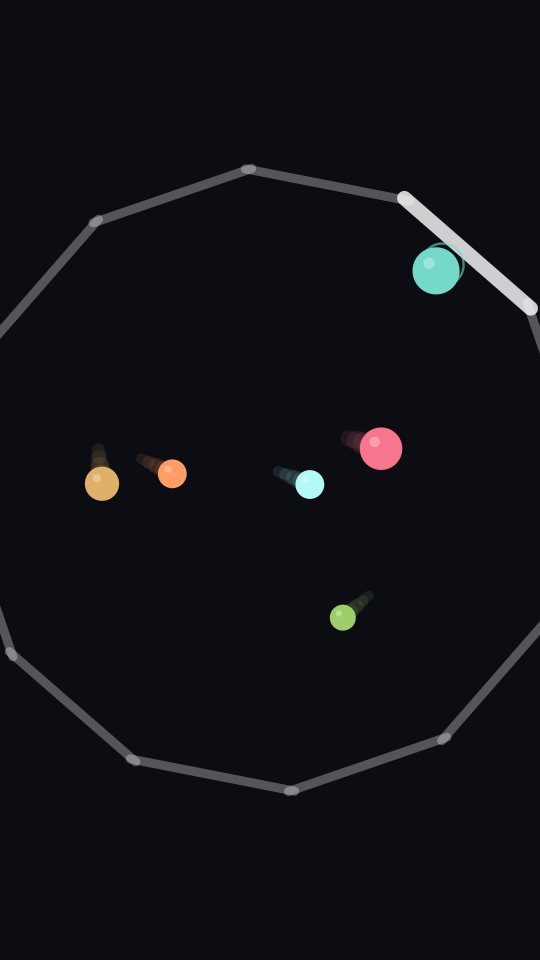
Grow
Balls swell with every wall they touch until the arena cannot hold them and it all resets.
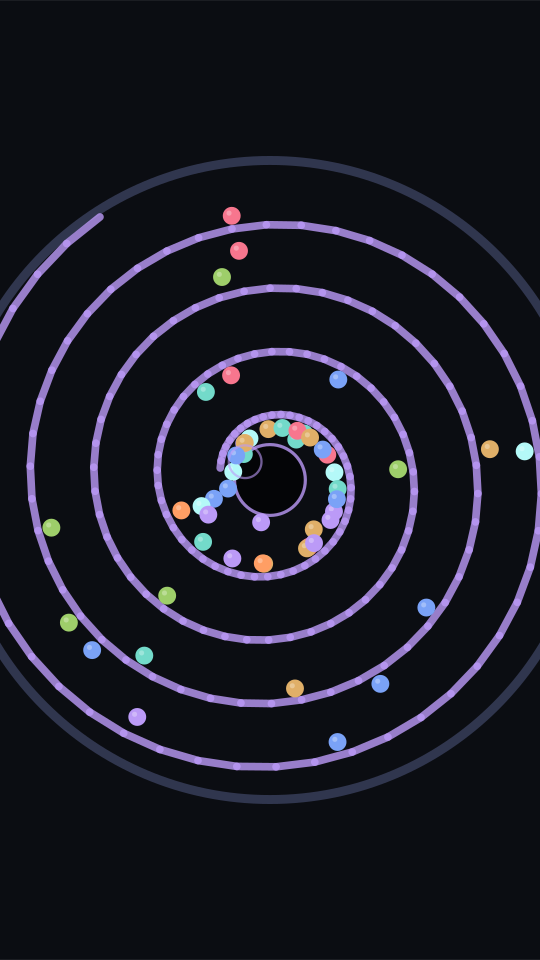
Vortex Drain
Marbles spiral inward down a whirlpool, vanish into the drain, and return to the rim.
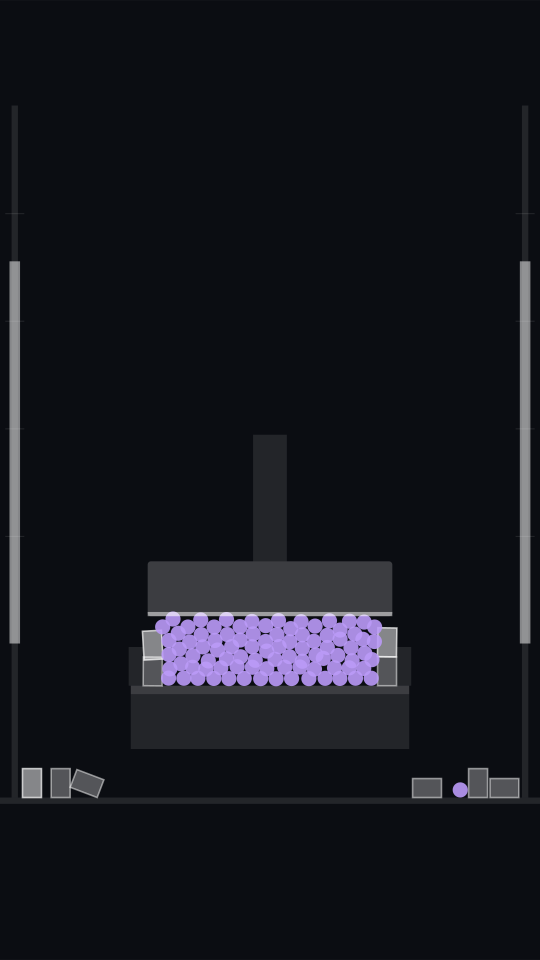
Press
A platen bears down on a blob until it gives, scattering it across the floor.
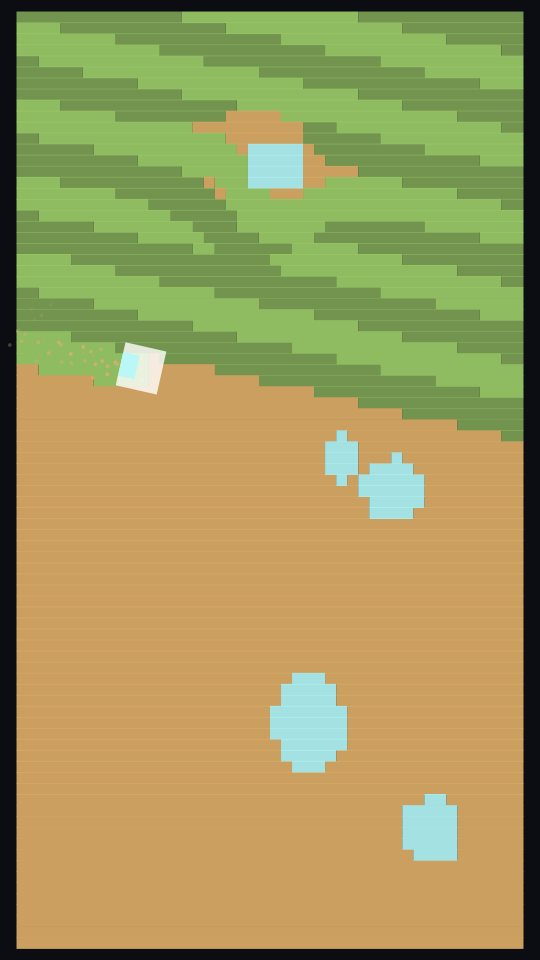
Mow
A mower works across an overgrown field, steering around trees and leaving banded stripes.
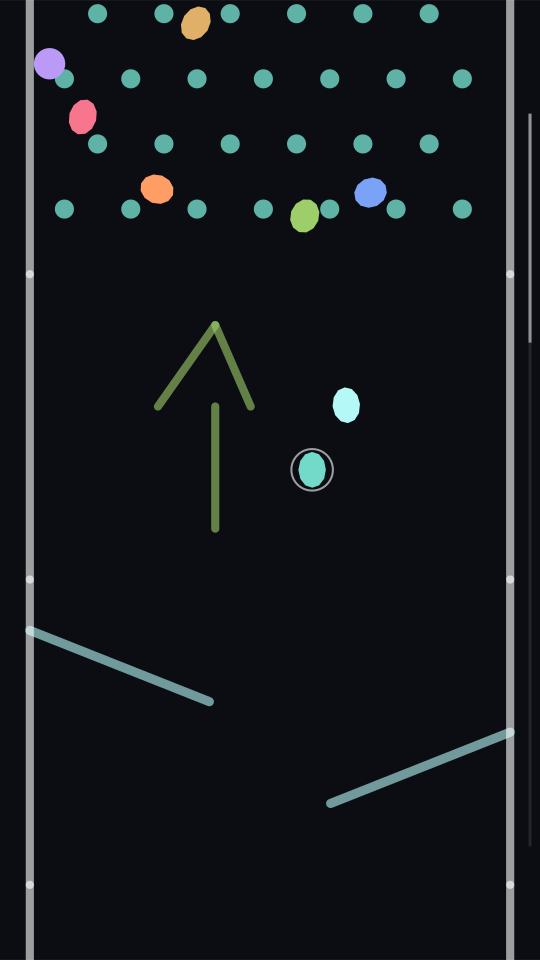
Marble Race
Marbles race down a course built as they fall, and the first one past the flag wins.
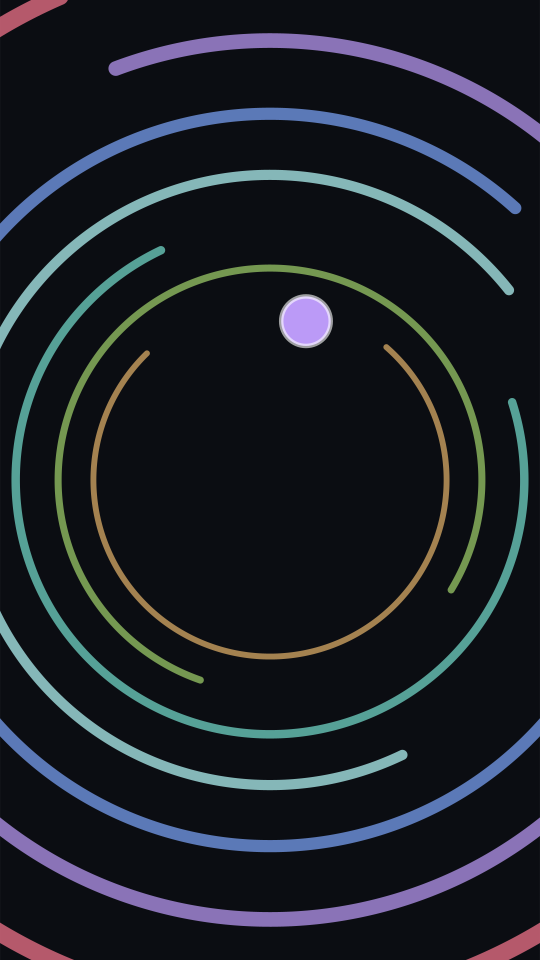
Escape
A ball bounces inside a turning ring, waits for the opening to come round, and breaks out into the next one.
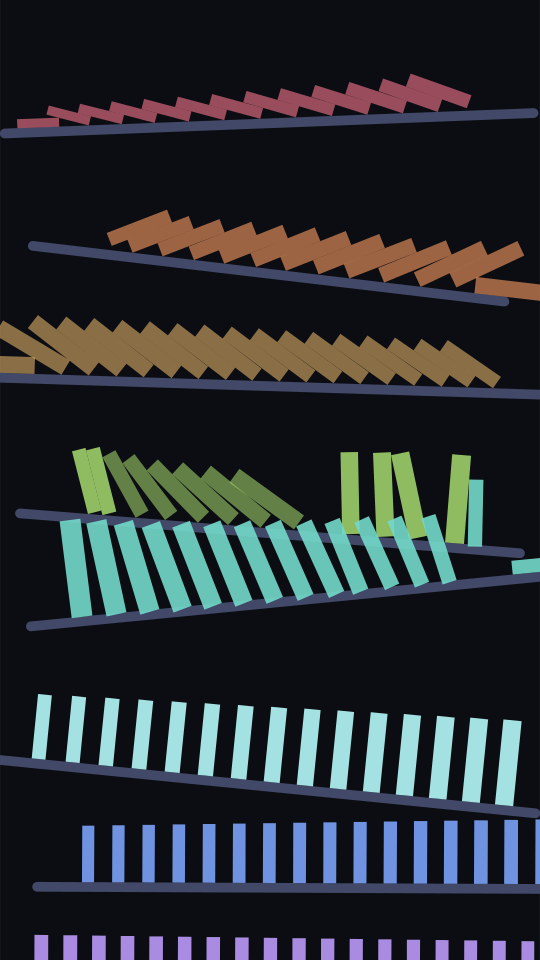
Topple
Rows of dominoes on stepped shelves go over one row at a time, sweeping back and forth down the board.
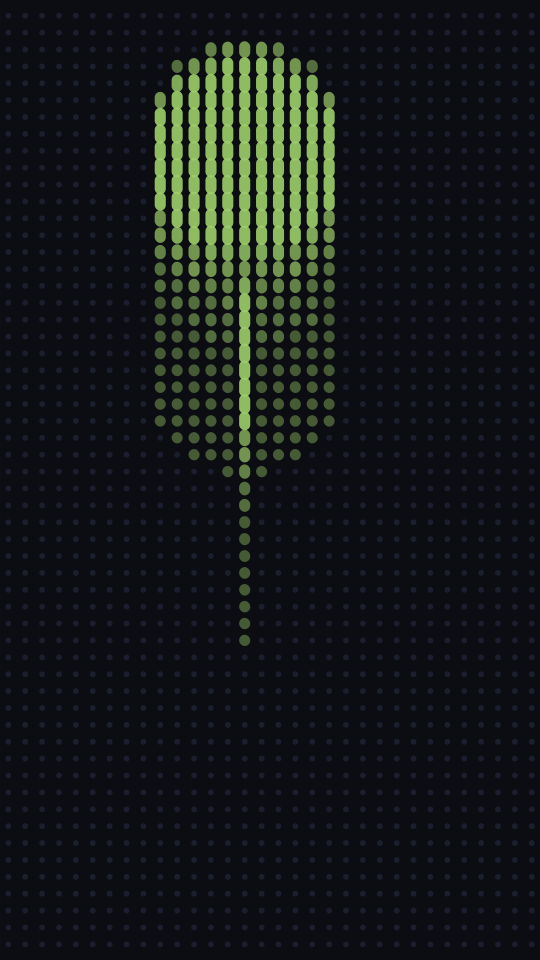
Pin Screen
A bed of pins that objects press through, one silhouette resolving after another.
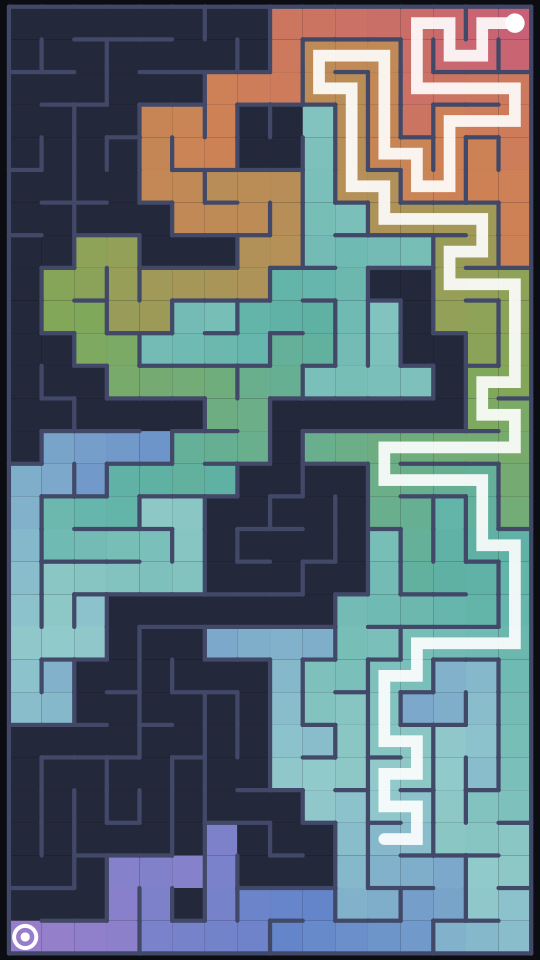
Maze Solver
A maze is carved, a search floods it from one corner, and the only route out lights up through everything it tried.
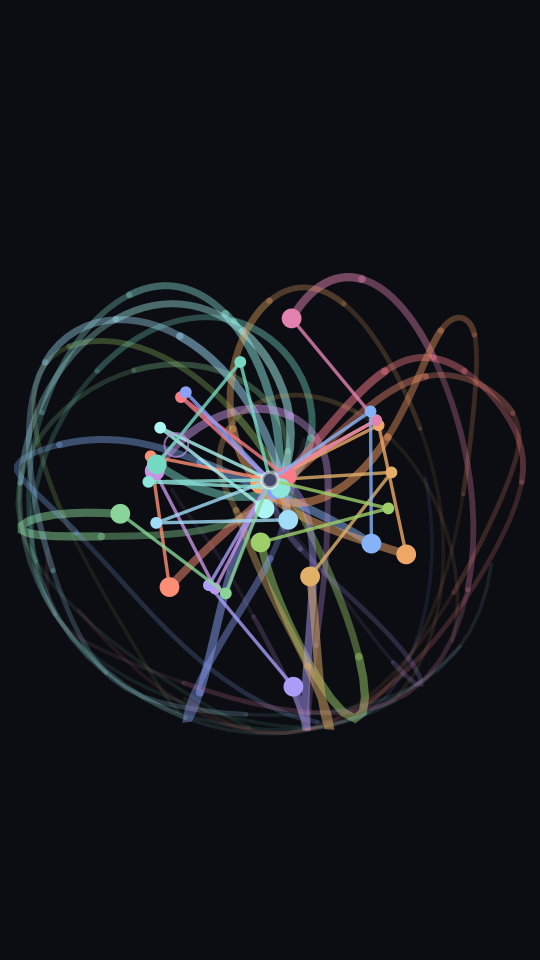
Chaos Pendulums
Double pendulums released a hair apart swing as one, then split into chaos, each colour tracing its own path.
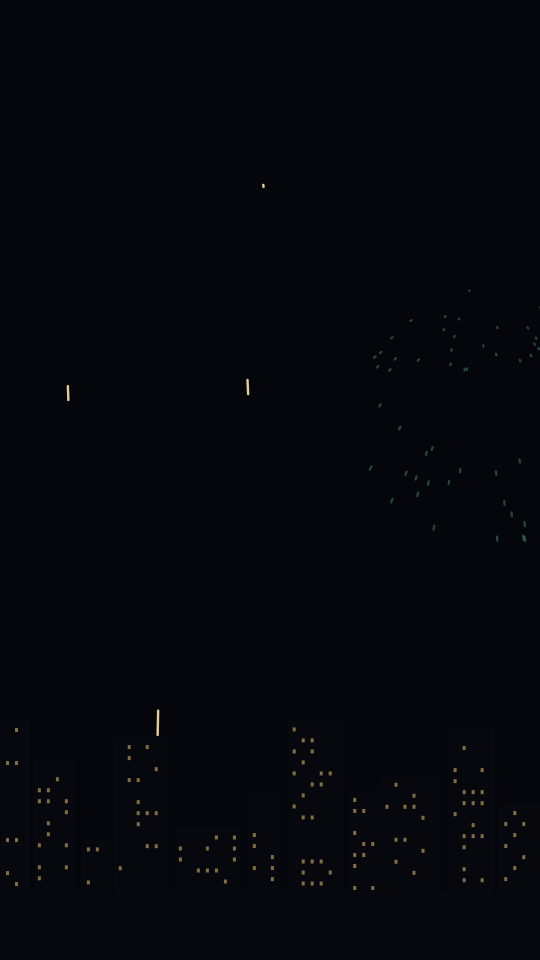
Fireworks
Shells climb over a city at night and burst into peonies, rings, willows and hearts, building to a finale.
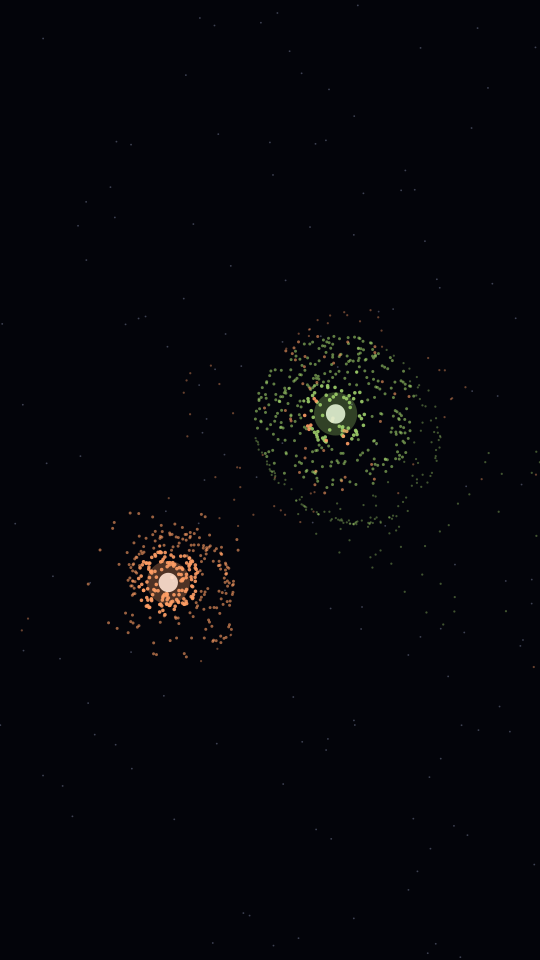
Galaxy Collision
Two spiral galaxies fall together, tear tidal tails out of each other on the way past, and merge.
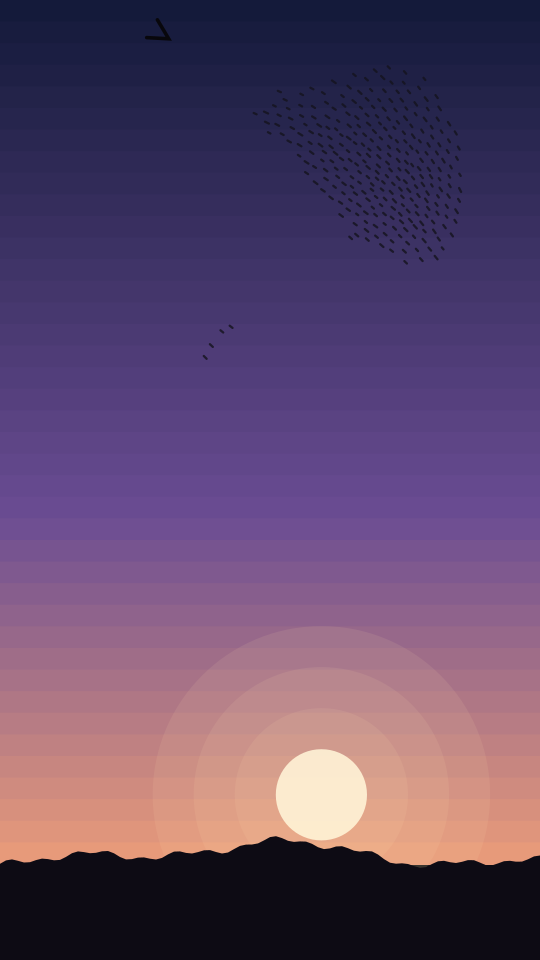
Murmuration
Hundreds of starlings turn as one at dusk, and a falcon dives through them in a rippling black wave.
Block Destruction and Balls & Marbles run in 3D, in the studio.
Every generator, by kindEdit
Edit it right here.
The steps you would otherwise do in a second app, done before the file is made, so it comes out ready to post.
Split screen with your video
ProDrop in a podcast, a reaction or a talking head. It goes over the top, the simulation underneath, with your video's sound mixed into the file.
Your own music
ProAdd a track and it plays under the clip from the first frame, looping if it runs short, and lands in the export.
Looks
Free and ProGlow, film grain, vignette, retro scanlines, dream and noir, drawn into the frame. Vignette and film are free.
Slow motion to double speed
FreeHalf speed for the satisfying ones, double time to fit a whole race into fifteen seconds.
Progress bar and countdown
ProA bar that fills as the clip plays and a 3, 2, 1, GO over the opening: the two things that keep people watching to the end.
Templates
Free and ProWho wins, marble race, split-screen background, logo reveal and more, each one click from a finished setup.
Start from a template
One click opens the studio set up and running.
- Pro
Who wins?
Three armies, one survivor. The comments argue about it for you.
- Pro
Marble race
Pick a marble, count it in, watch the field sort itself out.
- Pro
Split-screen background
Your podcast or talking head over the top, something satisfying underneath.
- Pro
Can it escape?
A ball, a stack of rings, and a bar showing how long it has left.
- Pro
Logo reveal
Your logo pressed through a field of pins.
- Pro
Galaxy collision
Two spirals meet and tear each other into tails.
- Pro
Fireworks show
A skyline, a steady rhythm of shells, and a finale.
- Pro
Falcon attack
Starlings at dusk and the black wave when the falcon dives.
- Free
Slow-motion wash
Pressure washing at half speed, on film.
Pro
Make it yours.
Longer, sharper clips with no watermark, and the things that turn a clip into your clip.
See what it costsYour logo inside the simulation
Upload a logo, a face or your art. It becomes the armies in Rock Paper Scissors, the marbles in a race, the ball in Escape, the shape pressed through Pin Screen and the picture Wash uncovers.
Text that is ready to post
A hook across the top, a caption, and an end card for the last three seconds, placed clear of the platform buttons and drawn into the file, with a progress bar and a countdown if you want them. No second app.
Six sound packs
Every hit plays a note, in key. Pluck, marimba, glass, 8-bit, pop and drums, generated as the clip runs, so there is still nothing to license.
Green screen
A chroma green background, to key the simulation over your own footage or a split screen.
A cover from any frame
Pause on the best moment and save it as the video cover, at the export resolution, with your text on it.
A licence with every clip
A document recording the clip, its seed and the terms it was made under, for the client or sponsor who asks where it came from.
Generated, so there is nothing to license.
Every frame and every note is generated from a seed on your own machine, so the simulation is yours to publish and monetise without asking anyone. The only things to clear are the ones you add yourself: your music, your video, your logo.
Pricing
Free
$0
Pro
US$9.99/mo
plus tax where applicable
The free tier needs no account, and nothing you export is uploaded.
Questions
- Can I monetise videos made with Ballpit?
- Yes. Every clip is generated from a seed by a physics engine running on your own machine, so there is no stock footage licence, no music rights and nothing to clear. The output is yours to publish and monetise. Music or video you add yourself is yours to have the rights to.
- Do I need an account to export a video?
- No. The free tier runs without an account and exports clips up to 30 seconds at 720p with a studio watermark. An account is only needed to go Pro, which removes the watermark and raises the limits.
- What aspect ratios and resolutions can I export?
- Vertical 9:16 for TikTok, Reels and Shorts, square 1:1, and wide 16:9. Each format has its own course, so a generator fills the frame rather than being cropped into it. Pro exports up to 4K at 60fps.
- What does the seed do?
- The seed decides the whole layout: how many pegs, where the ramps sit, which colours, how fast things move. The same seed always reproduces the same clip exactly, so a render you liked can be brought back, and a different seed is a genuinely different video rather than a recolour.
- Is anything uploaded to a server?
- No. The simulation, the rendering and the video encoding all happen in your browser. Images you add stay in your browser too. Nothing you make leaves your machine unless you choose to save a seed to your account.
- Can I put my own logo or images in the videos?
- Yes, on Pro. Upload up to three images and they become the armies in Rock Paper Scissors, the marbles in Marble Race, the ball in Escape, and the picture pressed through Pin Screen or uncovered in Wash. They stay in your browser and are never uploaded.
- Can I put my own video over the simulation?
- Yes, on Pro. Split screen stacks your video, such as a podcast or a talking head, over the simulation in a vertical clip, with your video's sound mixed into the export. The video is played from your own machine and never uploaded.
- Can I add my own music?
- Yes, on Pro. Add an MP3, M4A, WAV or OGG track and it plays under the clip from the first frame, loops if it is shorter than the clip, and is mixed into the exported file.
- Are there templates?
- Yes. Templates set up a generator with the speed, look and text that suit it in one click, such as Who wins, Marble race, Split-screen background and Logo reveal. Several are free, and everything a template sets can be changed afterwards.
- Do the videos have sound?
- Yes. Every bounce and payoff plays a note, generated in key as the clip runs, so there is no music to license. The free tier has one sound pack and Pro has six, and every export can be made with sound or without it.
- Can I add text to a clip?
- On Pro, yes: a hook across the top, a caption, and an end card for the last three seconds. They are placed clear of the TikTok, Reels and Shorts buttons and drawn straight into the exported video, so there is no second editing step.
- How long can a clip be?
- Up to 30 seconds on the free tier and up to three minutes on Pro. The generators are loops that never come to rest, so a longer clip keeps producing new events rather than repeating.